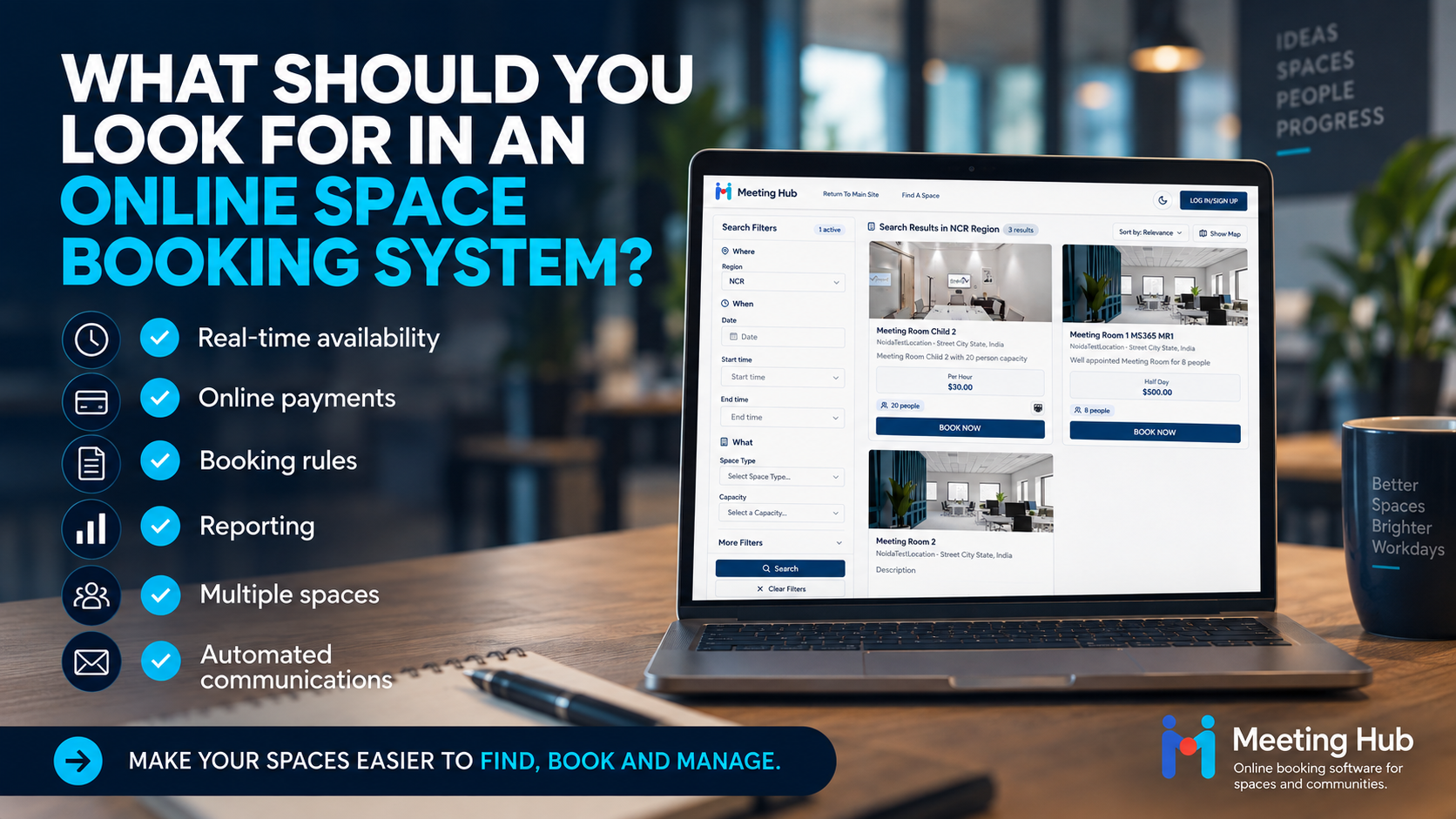

How to set up Stripe Payments in Meeting Hub
Accept secure credit card payments for your online bookings
Meeting Hub integrates with Stripe to allow customers to securely pay for bookings online. Payments are processed by Stripe and deposited into your nominated Stripe account.
If you use a Meeting Hub Core, Pro or Enterprise plan and would like to accept credit card payments, you'll first need a Stripe account.
Step 1: Create or Log in to your Stripe Account
If you don't already have a Stripe account, register using the link above.
Once your Stripe account is ready, log in to Stripe to access the API keys required to connect your account to Meeting Hub.
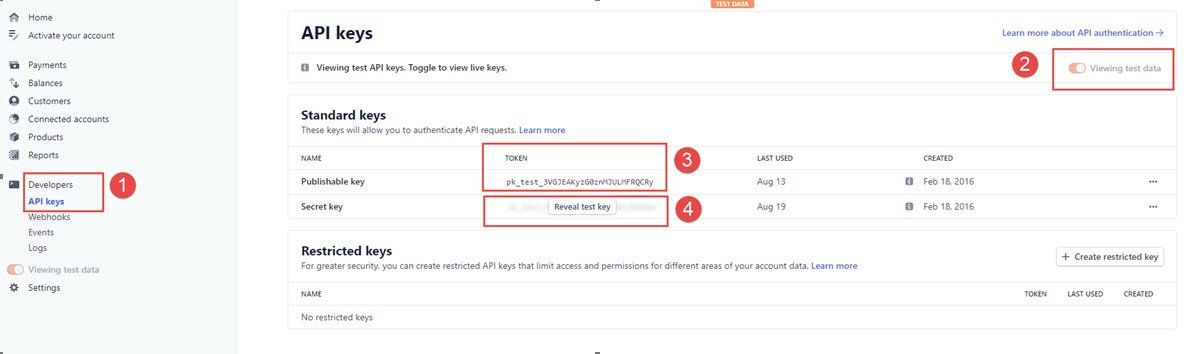
Step 2: Locate your stripe API Keys
From your Stripe Dashboard:
- Go to Developers > API Keys.
- Make sure Viewing test data is turned off so that you are viewing your live account details.
- Locate your Publishable Key and Secret Key.
Step 3: Send your Stripe Keys to Meeting Hub
Send your Stripe API keys to support@meetinghub.com.au so our team can connect your Stripe account to Meeting Hub.
For security, send the Publishable Key and Secret Key in separate emails.
Once the connection has been completed, we'll let you know that your Stripe account is ready to accept online booking payments through Meeting Hub.
Using Different Stripe Accounts for Different Locations
Meeting Hub Pro and Enterprise plans can support split credit card payments across multiple locations.
This allows organisations operating multiple sites to direct payments to different Stripe accounts, making payment reconciliation easier.
If you would like to configure different Stripe accounts for your locations, contact support@meetinghub.com.au for assistance.
Next Step: Activate and Reconcile Your Stripe Account
Once Stripe has been connected to Meeting Hub, you may need to complete Stripe's account verification and activation process before receiving live payments.
How to activate and reconsile your Stripe Account